

In the past, you had to squeeze your target keyword into your title and meta description to give your page a better shot at ranking.
That approach doesn’t work as a complete SEO strategy anymore. Search engines now read the full page to understand what it covers and how well it answers a query.
So if you want your metadata to work in modern search, you should focus on relevance, clarity, and giving searchers a reason to click. We’ll show you how throughout this guide.
But before we get into it, a quick introduction: we’re SEO Sandwich. We’ve been ranking businesses since 2000 and have seen metadata practice shift significantly. Let’s look at what works now.
Make Your Title Tag Clear and Relevant
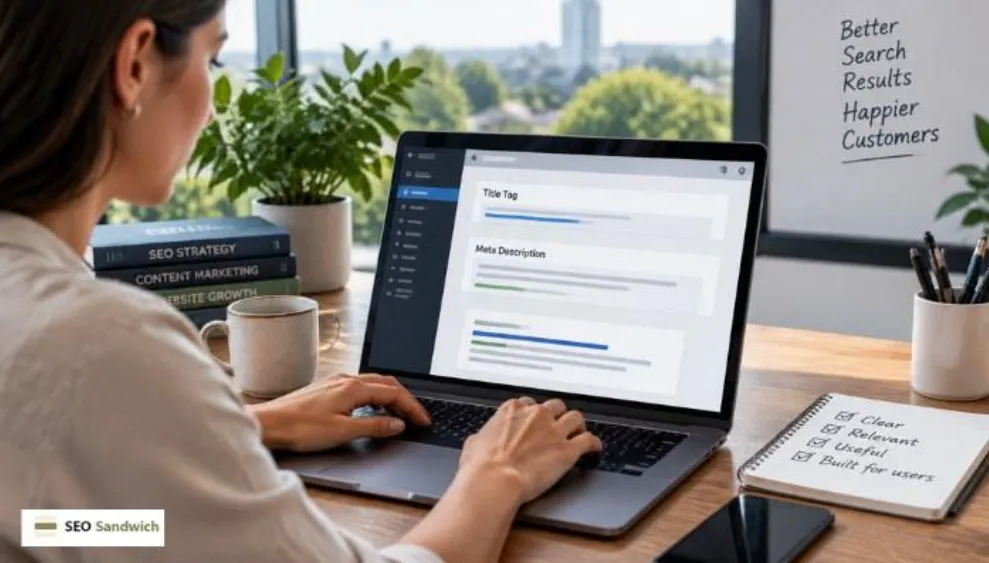
Your title is often the first thing a searcher sees in Google’s search results, so it needs to make the page’s topic clear straight away.
Say you sell running shoes for flat feet. If your title tag just says “Footwear & Products,” a viewer has no way of knowing that your page covers what they’re looking for.
Now compare that with “Running Shoes for Flat Feet.” Someone searching for that phrase immediately knows the page matches what they want. The target keyword appears naturally, while the rest of the title tells the searcher exactly what the page offers.
Match Your Metadata to Search Intent
Search intent is what someone actually wants when they type a query into Google. Let’s go back to the running shoes example. Someone searching for “running shoes for flat feet” wants comparisons or recommendations.
But if your page only talks about your brand and never mentions flat feet or comparisons, that’s a mismatch. That mismatch can hurt clicks even when the page ranks well, since searchers may skip a result that doesn’t fit their needs.
We saw a similar problem with a client whose blog had strong, well-written content but barely any clicks. The pages ranked on the first page, yet their titles were framed as general overviews.
The searches bringing people to those pages showed a different need: they wanted to compare specific options. We rewrote the titles around that comparison intent, and click-through rates improved within a month.
The best way to avoid this is to check what Google already shows for your keyword. Search it yourself and look at the pages ranking on the first page. You can also check the queries bringing search traffic to the page, then compare them with the intent behind the searches you want to attract.
Give Searchers a Reason to Click
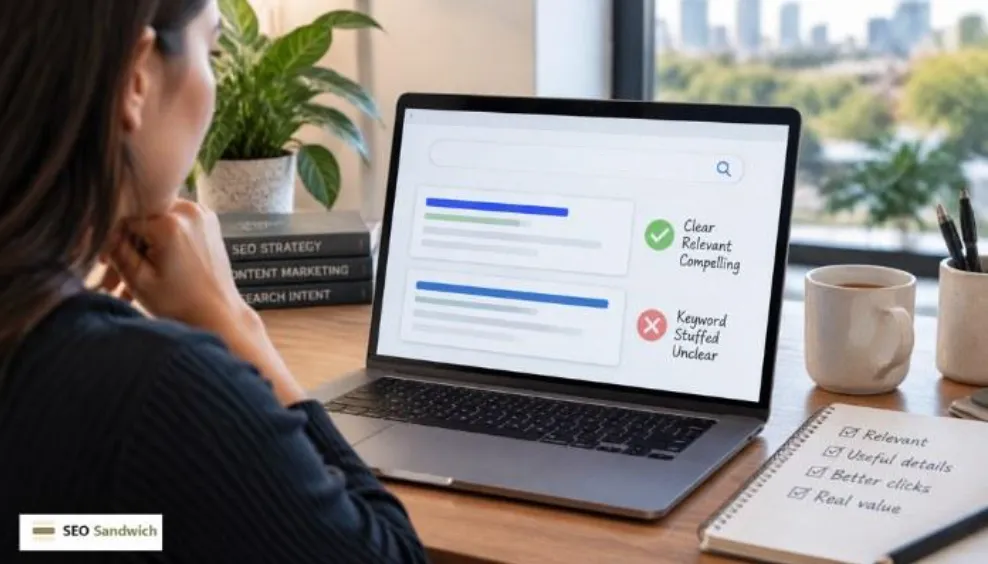
Once several results match what someone is looking for, your metadata has one more job. It needs to show why your page should earn the click over other relevant results.
Going back to the running shoes example, “Running Shoes for Flat Feet” tells the reader what the page covers. But “Running Shoes for Flat Feet: 10 Comfortable Picks for Daily Training” gives them a specific reason to choose this result. The second title adds a useful detail that makes the page more appealing without repeating the keyword unnecessarily.
Keep Your Meta Description Consistent With the Page
Put yourself in the reader’s shoes. You search for a buying guide, click a result that promises one, and land on a page that only lists three products. You’d probably leave and look for a page that actually gives you the guide you expected.
That’s exactly what a good meta description should prevent. It needs to describe the page’s content accurately, so the user knows what they’re getting before they click. Each page should also have its own description rather than reusing the same one across multiple pages.
Specific descriptions help searchers distinguish one result from another. They also give Google relevant text when generating the search snippet.
Keyword-Stuffed vs. Modern Metadata: A Real Example
Let’s say you’re creating a service page for a Brisbane business that offers emergency plumbing. Here’s what the metadata might look like when you force the keyword into every line, compared with a version written for the searcher.
| Keyword-Stuffed | Modern | |
| Title tag | Emergency Plumber Brisbane | Brisbane Emergency Plumbing Services | Emergency Plumber Brisbane | 24/7 Plumbing Services |
| Meta description | Need an emergency plumber in Brisbane? Our Brisbane emergency plumbers provide Brisbane emergency plumbing services for emergency plumbing in Brisbane. | Need an emergency plumber in Brisbane? Get 24/7 help with burst pipes, blocked drains and urgent plumbing problems. |
The first version repeats the focus keyword four times across two lines. That’s keyword stuffing (repeating a keyword unnaturally and excessively), and it wastes space that could tell the reader something useful.
The second version uses the primary keyword once and spends the rest of the space on useful details: availability, specific services, and the problems it solves. That gives searchers more information to work with before they decide to click.
Stop Treating Metadata Like a Keyword Container
Every section in this guide points back to the same idea. Clear titles, matched intent, and honest descriptions are not separate rules. They are what good search engine optimisation looks like when it is built around the searcher instead of the algorithm.
If you need help turning that approach into metadata that attracts the right clicks, get in touch with SEO Sandwich. Our team can help with metadata optimisation, so your titles and descriptions align with search intent and give users a reason to choose your page.
Frequently Asked Questions
Still have questions about title tags and meta descriptions? These quick answers cover a few practical issues we haven’t covered above.
What happens if a page has a missing title tag?
Google may generate a title from other content on the page, but you lose control over the title shown in search results. This can make the result less relevant or compelling to searchers.
Is there a maximum length for a title tag or meta description?
There is no fixed character limit, but Google may cut off longer titles and descriptions in search results. As a general guide, keep title tags around 50–60 characters and meta descriptions around 150–160 characters to reduce the chance of this happening.
Are meta tags a ranking factor?
No. Most meta tags do not directly affect rankings. However, your title tag and meta description can influence how your page appears in search results and how likely people are to click it.
Can duplicate title tags cause problems?
Yes. Duplicate title tags can make it harder for search engines and searchers to distinguish between pages. So give each page a unique title that reflects its content and search intent.
What is a snippet preview?
A snippet preview shows how your title tag and meta description may appear in Google search results. Most SEO plugins include one, and checking it helps you catch titles that are too long or descriptions that may get cut off.